
Getting VSCO keys to work in Sierra

VSCO Keys has stopped working since I upgraded to Sierra
For me this was an absolute disaster, VSCO keys is a vital part of my workflow and now that VSCO has actually stopped supporting the software I thought this was the end of what had been a beautiful relationship. The other alternatives I had tried such as PFixer had just not been up to the job so I was desperate to find a solution…..and I blooming well have.
This method should also help you to get the open source version of VSCO Keys working too. If you find that the VSCO Keys symbol is no longer appearing in your menu bar just do the following.
How to fix VSCO Keys so that it works in Sierra
- Ensure Lightroom isn’t running, go to System Preferences / Security & Privacy. Make sure you have the ‘Privacy’ tab selected at the top and also that you have ‘Accessibility’ selected down the left hand side. You should then be able to see VSCO Keys listed as one of the apps in the scrolling window.

Ensure you have selected the Privacy tab at the top and Accessibility selected on the left - Unlock the padlock bottom left, you will then be prompted to insert your password. Once this is done ‘deselect/un-tick’ VSCO Keys from the Apps list then ‘reselect/tick’ it… I know…. but trust me.
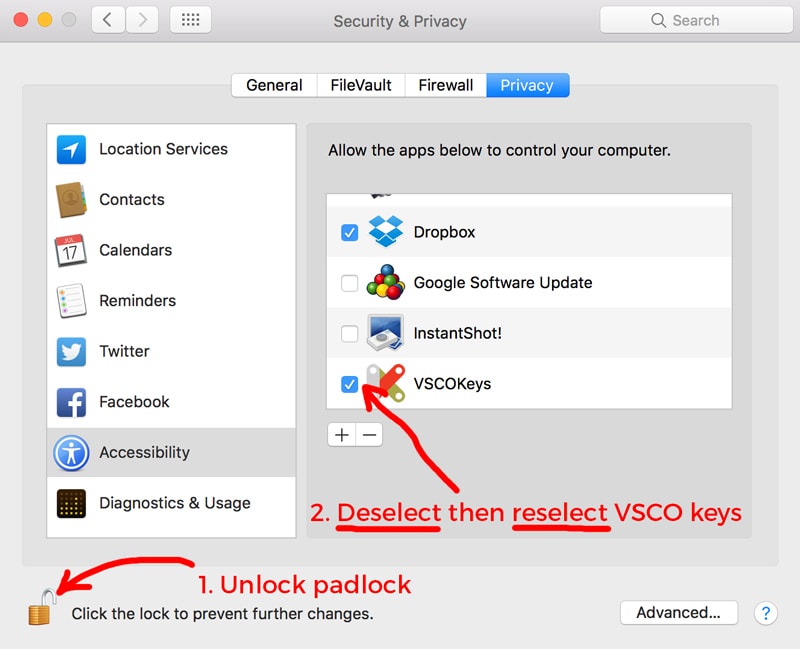
deselect the reselect VSCO keys in the App list - Lock the padlock
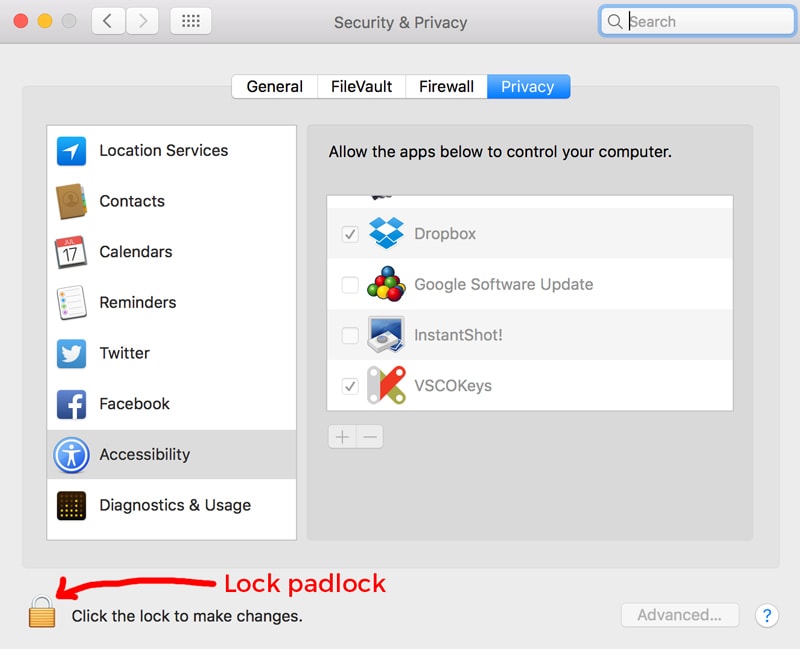
Lock the settings - Relaunch Lightroom and boooooooooooooom! It should all be working again. If for any reason this does not work. Uninstall VSCO Keys, download and install the latest open source version from >> here << and follow the same steps again.
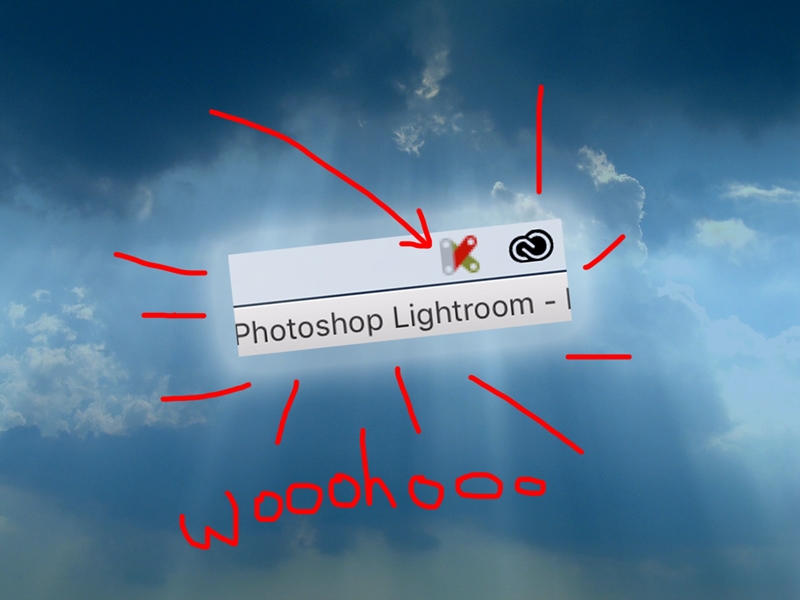
Taa-Daaaaaaaa!!
Thank you so much. It worked for me too!
So brilliant to hear that it worked for you, though it’s not working for me. I’ve been round and round in circles for hours trying to get this to work without success 🙁 I’ve uninstalled the old version, downloaded the new version. Followed the instructions and still no joy. In fact I tried following the whole entire process twice and it’s still not working. I can see the keys icon when I log into LR, but when I try and use keyboard shortcuts, it’s using the normal LR shortcuts not the keys shortcuts, if you get my drift. So gutted. I don’t know what to do. Argh
THANK YOU! You’ve been the pot of gold at the end of the Google search* with this workaround! And… I think you’ve inadvertently fixed my dropbox issues too.
Thank you so much for publishing this.
* Was seriously getting close to including expletives in that search…..